Valheim Dedicated Server: Full 1.0 and Crossplay Guide
Published on 27 October 2026 · 5 min read
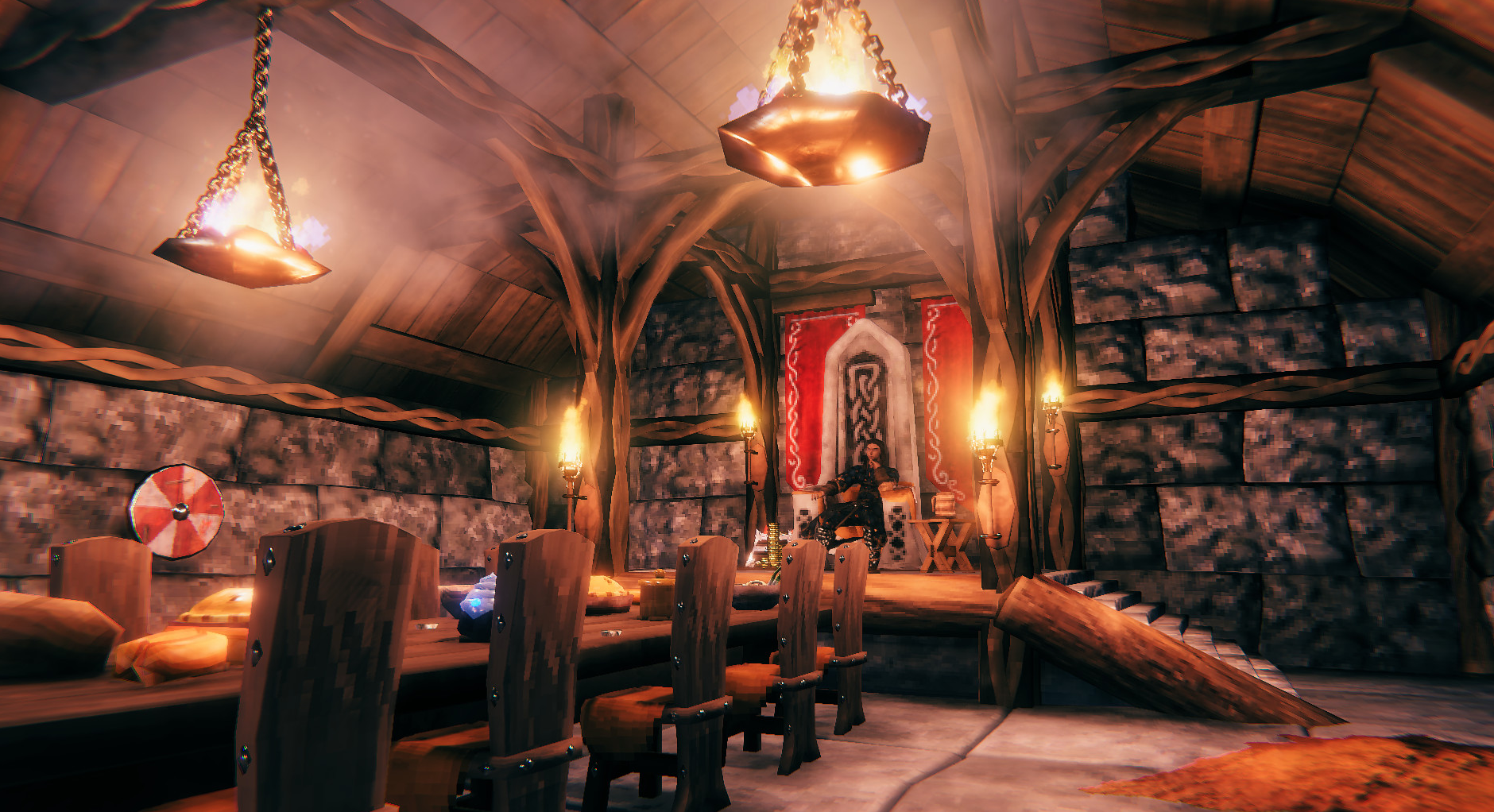
To play Valheim with friends without relying on one player's PC, you need a server. Your world stays online 24/7 and nobody has to leave their machine switched on. This guide explains how to set one up yourself, what version 1.0 changes and when renting is the easier option.
Valheim left early access on 9 September 2026 with version 1.0 and the Deep North biome. The game also launched on PlayStation 5 and Nintendo Switch 2, with crossplay across all platforms (Connect Hosting). Plenty of groups are coming back to the game, and the server question is back on the table.
In-game server or dedicated server?
From the game itself, one player ticks "Start server" and their PC runs the world for the whole group. It's free, but the world stops as soon as they log off, and their PC has to run the game and handle everyone else's session at the same time.
| Criterion | In-game server | Dedicated server |
|---|---|---|
| World availability | Only while the host is playing | 24/7 |
| Load on the host's PC | Game and server at the same time | None |
| Lag when the host has a weak connection | Felt by the whole group | No, the server has its own connection |
| World backups | On the host's PC | On the server, can be automated |
| Cost | Free | Your own machine or a rental |
As soon as your group plays at different times, or the host suffers slowdowns, a dedicated server becomes the right choice.
What Valheim 1.0 changes for your server
On the server side, version 1.0 doesn't change much, but four points matter.
- Console players need crossplay. PS5 and Switch 2 players can only join a server launched with the
-crossplayoption. Without it, part of your group won't find the server (Connect Hosting). - The world format has changed. An old world is converted automatically the first time it runs on 1.0, and the conversion is permanent. Back up your world before updating the server.
- The Deep North only appears in areas that have never been explored. On a world you've already travelled extensively, you'll see less of it. Iron Gate recommends starting a fresh world to get the most out of it (Pingperfect).
- The limit is still 10 players. The launch options (
-name,-world,-password,-port,-crossplay) haven't changed (Host Havoc).
Setting up your own Valheim dedicated server
The official dedicated server is free and takes about ten minutes to install on a PC, a VPS or a server (deinServerHost).
- Install the server files. In Steam, search for "Valheim Dedicated Server" in your library (Tools section). On Linux or a VPS, use SteamCMD with App ID 896660.
- Prepare the launch script. On Windows, open
start_headless_server.batin the server folder and edit the last line (example below). - Choose a valid password. It must be at least 5 characters long and must not appear in the server name, otherwise the server won't start.
- Open the ports. Without crossplay, allow UDP ports 2456 and 2457 in your firewall and forward them on your router. With
-crossplay, players connect using a join code and port forwarding is no longer needed. - Start the server. Wait for the "Game server connected" message in the console (DatHost).
- Connect. In Valheim, choose "Join game", then "Join IP": enter IP:2456, or the join code if crossplay is enabled.
Example launch line on Windows:
valheim_server -nographics -batchmode -name "The Vikings" -port 2456 -world "Midgard" -password "odin2026" -crossplay
To carry on with an existing world, copy its .db and .fwl files into the server's worlds_local folder and put its name in -world.
What specs does a Valheim server need?
A Valheim server is lightweight: 2 to 4 GB of RAM is enough for up to 5 players (deinServerHost).
| Use | Players | Recommended RAM |
|---|---|---|
| Small or medium world | Up to 5 | 2 to 4 GB |
| Large world or full group | Up to 10 | 4 to 8 GB |
RAM isn't everything. The server calculates building physics and the creatures around each player, so a CPU with strong single-core performance and an SSD make a real difference as your base grows. For a server hosted at home without crossplay, you also need a public IPv4 address.
The most common errors
| Symptom | Cause | Fix |
|---|---|---|
| The server closes on startup | Password too short or included in the server name | At least 5 characters, not part of the server name |
| Your friends can't find the server | Firewall rule set to TCP | Open 2456 and 2457 as UDP |
| PS5, Switch 2 or Xbox players can't see the server | Crossplay disabled | Add -crossplay to the launch line |
| Upgraded items reset to level 1 on item stands | Conversion bug fixed in 1.0.12 | Restore a backup from before the conversion |
| Very little Deep North on the map | Northern areas already explored | Create a new world |
The item stand bug affected worlds converted to 1.0 before the 1.0.12 patch (Pingperfect).
Renting a Valheim server from NorthHost
If you don't want to deal with ports, updates or a machine that's always on, renting saves you that time. At NorthHost, your Valheim server runs in France, on our own infrastructure.
- Hosted in our data centers in France, for low latency from within the country.
- Ryzen 9 and Xeon Gold processors that handle the load when your base gets huge.
- DDoS protection included.
- Fast support that helps you with crossplay, importing an old world or restoring a backup.
Your world stays online 24/7, whether the host is connected or not. Order your Valheim server from NorthHost.
FAQ
How many players can a Valheim server hold? Up to 10, including on version 1.0.
Can a PS5 or Switch 2 player join a PC server? Yes, if the server is launched with the -crossplay option. They then join using the join code.
Can I keep my old world? Yes. It's converted to 1.0 automatically the first time it runs. Make a backup first, as the conversion is permanent.
Which ports do I need to open? Ports 2456 and 2457 as UDP. With crossplay, no port forwarding is needed.
Is a Valheim dedicated server free? The server software is free. You just need a machine that's always on, either at home or rented https://northhost.fr/valheim or https://northhost.fr/vps-linux-intel.